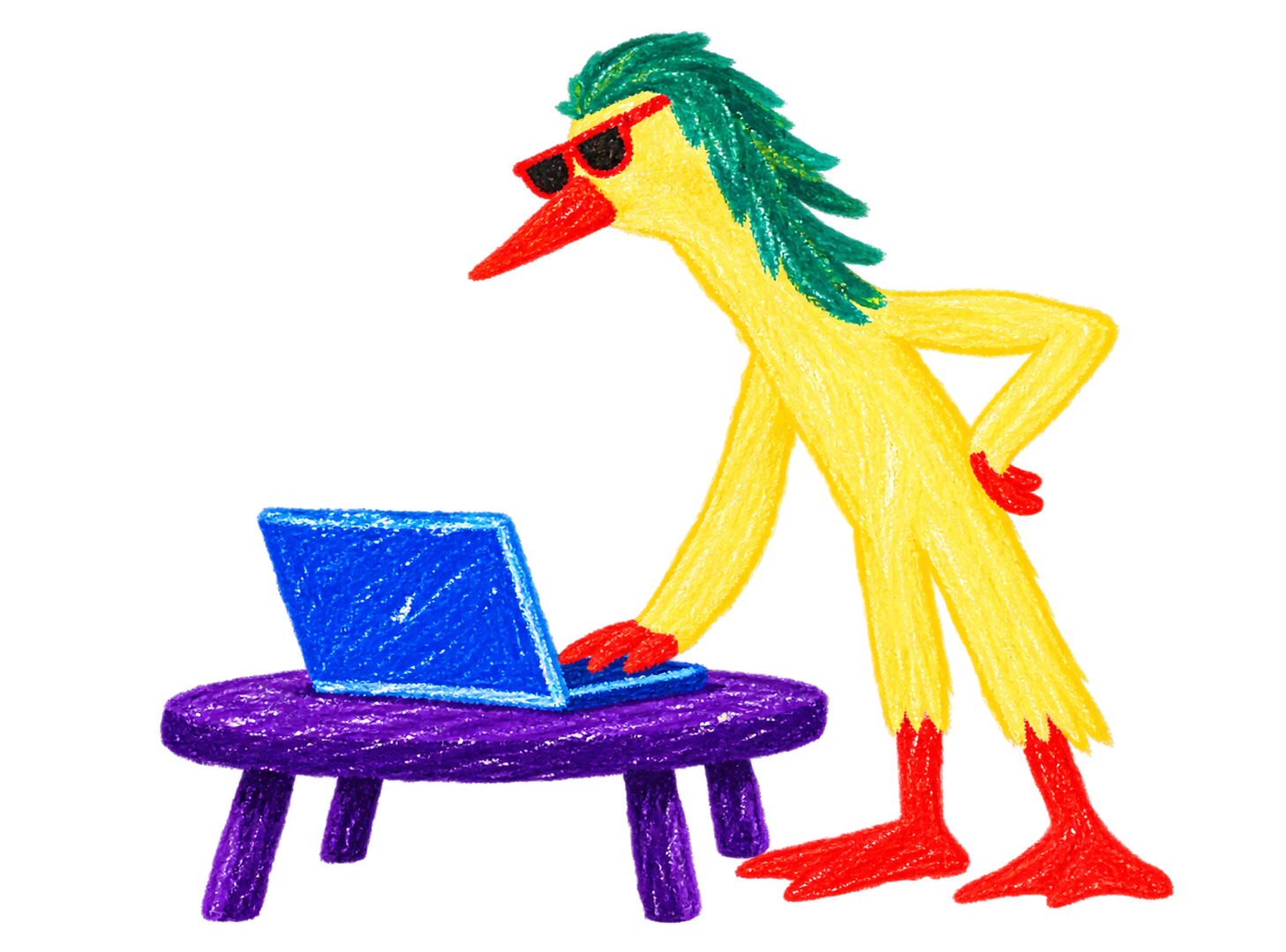
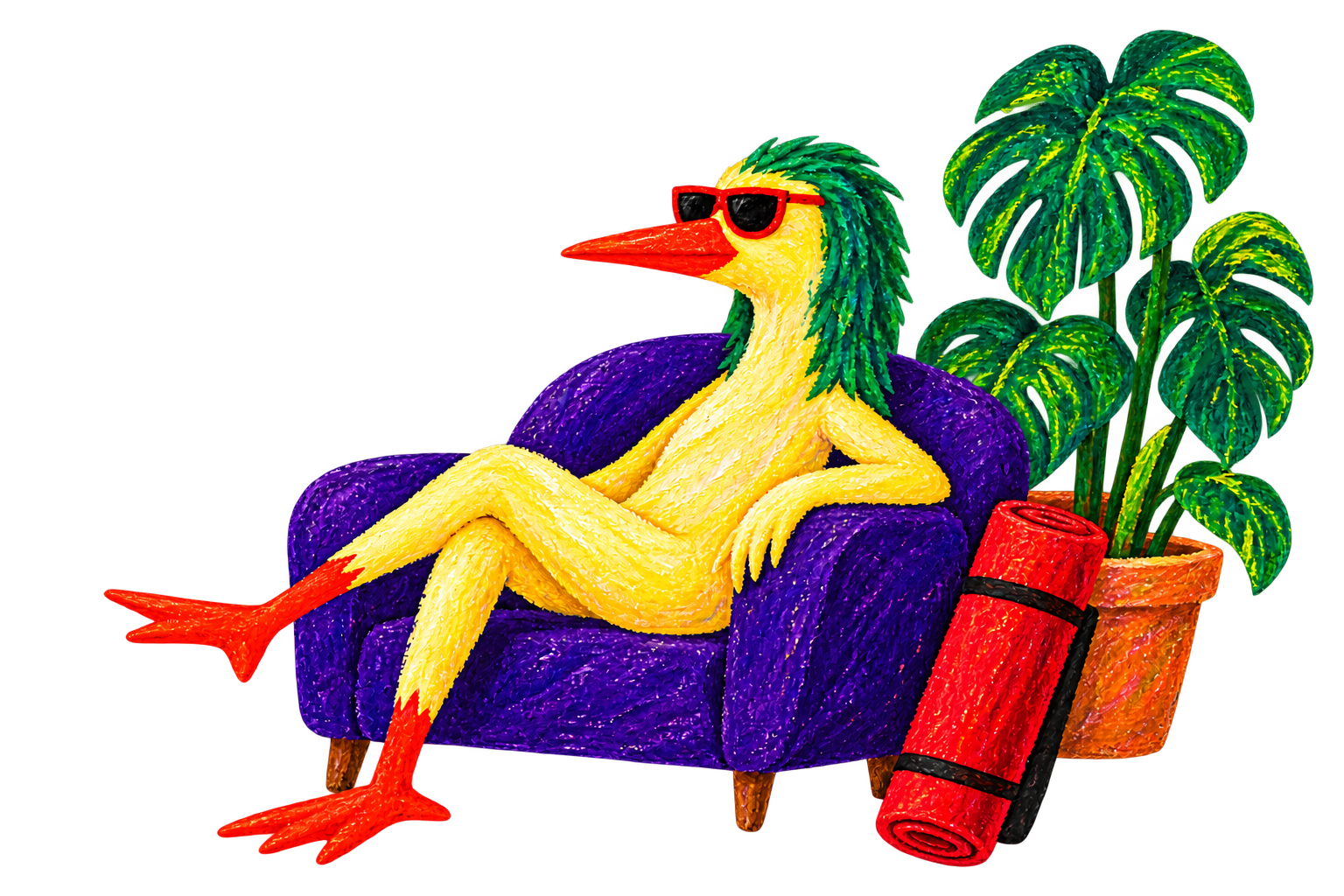
Chair or wall
Add support for standing shapes, or explore seated options.
Short practices. Real-life options.
Short, adaptable yoga for everyday life. See the poses, choose your pace and make room for ten minutes.
10–20 min examples · Chair & floor options · Camera optional
Practice, your way
Pick a focus for today. See the poses, timing and support before you decide what fits.
A gentle seated reset for a slow start or a break from your desk. No getting down on the floor.
What you needA stable chair without wheels
The shapes you’ll explore
Make it yours. Keep the arm lower in the side bend, reduce the hinge, or use quiet seated time instead of a movement block.
Example sequences · Instructor review pending · Timings include transitions, pauses and both sides.
How it works
You choose the practice. You choose the support. You decide what feels right today.
Start with your time and focus: mobility, balance, strength or a quiet wind-down.
Check the poses, equipment and sequence before you begin. Rest is part of the plan.
Use support, move less deeply or pause. A smaller movement still belongs in your practice.
Add support for standing shapes, or explore seated options.
Lower your arms, narrow your stance or soften the bend.
Pause, skip a block or finish early. Your practice is yours.
A practice in your own space
A little space to move, a comfortable distance from your screen and support close by. You can explore YogaMiga with the camera off.
Optional camera · On your device · No recordings
Clear plans
Start with a little. Choose more time and flexibility when you want it.
€0No card needed
A small, regular moment for you.
€8.99/ month
More choice. More room to move.
€14.99/ month
A rhythm for your whole week.
Live plan prices · Your account shows the available checkout mode. Annual prices: Plus €79.99, Flow €129.99, billed upfront.
Start by finding a practice for your kind of day. The examples show every shape, the timing and ways to add support.
Choose a practice What can I try now?Before you begin
Sign in with your email, open Today and press Start today’s practice. Choose Without camera or With camera above the button. Use Adjust if you want to change the time, focus, effort or equipment. Confirm that you are 18 or older and read the movement confirmation once before your first start.
Open TodayYes. Select Without camera on Today, then Start today’s practice. You still get the illustrated guide, written cues, timer and optional voice. The camera stays off and no camera permission is needed. During a camera session, Continue without camera switches to the same guided mode.
Start without cameraYes. In Today → Adjust → Equipment & effort, each equipment button is independent. No equipment adds unassisted standing poses. Mat adds floor poses. Select both for a mix, or Mat alone if you want floor poses only. Add a wall, chair, blocks or other available supports in any combination. A pose is offered only when all the supports it needs are selected.
Adjust today’s equipmentNo. Camera frames are processed on your device in this browser. YogaMiga does not record or upload the video. Saved progress contains practice times, completed steps and any note you choose to save. You can turn the camera off by choosing Continue without camera.
Read camera & privacyYour actual practice time starts saving automatically when you begin moving. Results are checkpointed during the lesson and when it finishes. Preparation, pauses and skipped time do not add active minutes. If the connection drops, progress waits on this device and syncs when you reconnect. Open My progress to see confirmed results and wraps.
Open My progressYou can use Free without subscribing: 3 sessions per week, practices up to 20 minutes and 3 saved practices. Plus adds unlimited sessions and practices up to 60 minutes. Flow adds personal week generation. Your plan page shows prices and clearly labels any test checkout; viewing plans never starts billing.
See plans