Camera setup
Your space. Your permission.
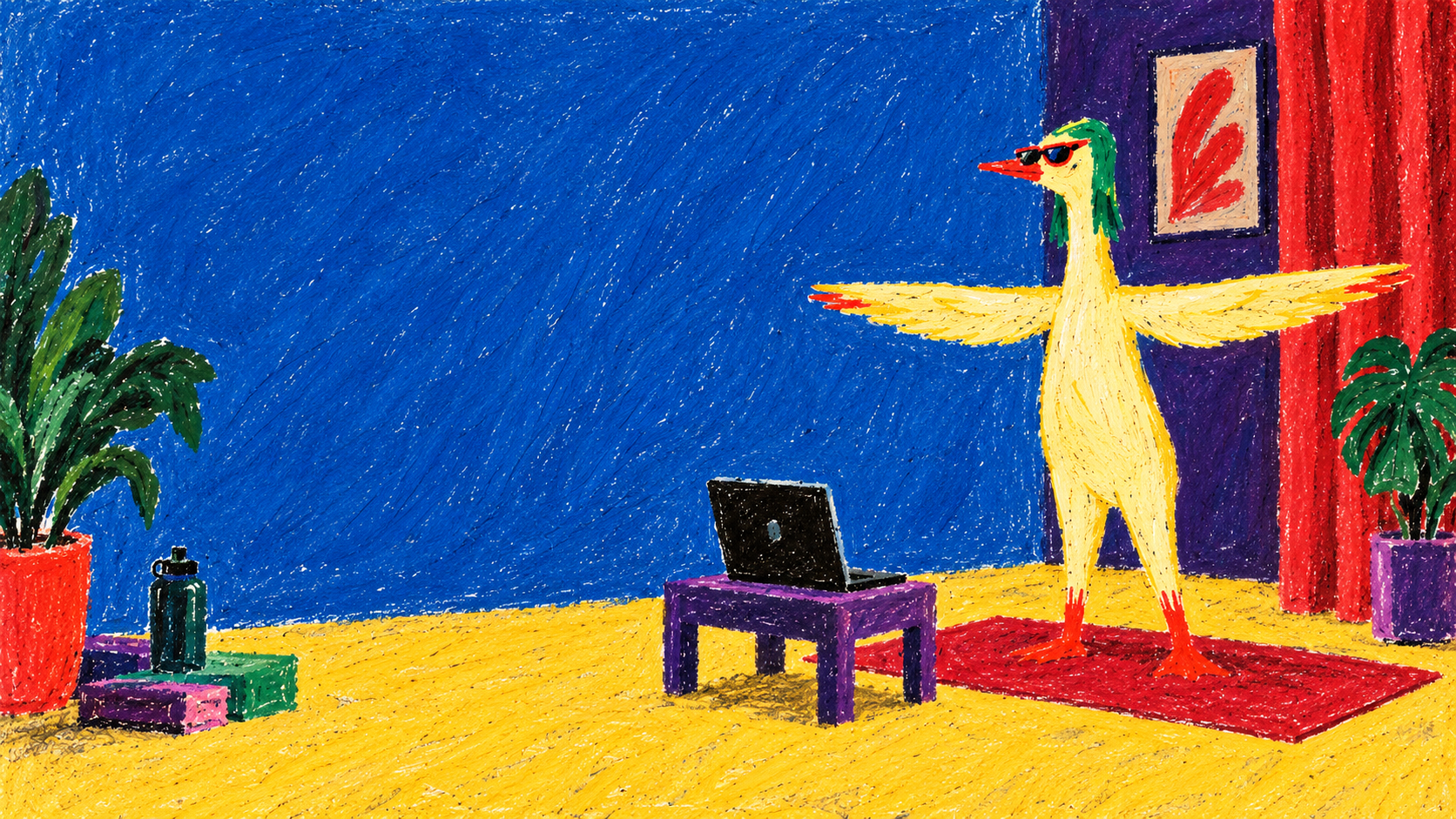
You choose when the camera starts. Place your phone, tablet or computer securely with a little clear space to test the view.
- Place the screen securely.Use a stable surface, with the camera facing your practice space.
- Stay comfortable.Show your shoulders or upper body. During a lesson, show the joints used in the pose. Tilt the device instead of moving far away.
- Keep the picture simple.One person, even light and a clear space without obstacles.
- Keep the choice yours.Turn the camera off at any time. The preview does not record video or score form.